Rewards from GovReports:
For all of you making lodgments via GovReports, we would like to honor your efforts.
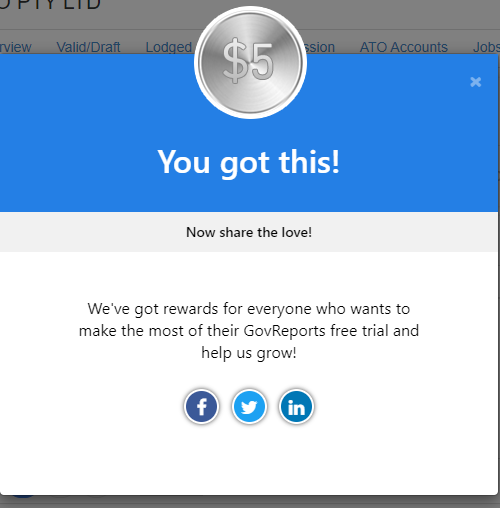
For your 1st lodgment, a credit of $5 will be made available to you. The reward will be in Pending status. You can share the news via any of your Social media accounts like Facebook, LinkedIn or Twitter and get that reward added in your account in the form of credits. After which, the reward status will become “Rewarded”. You can use those credits for any of your future subscriptions in GovReports.
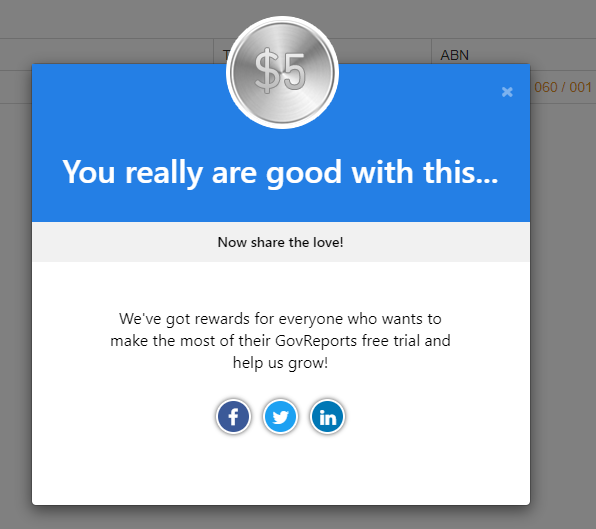
Similarly for the 2nd lodgment, the $5 credit will be available and added to your credits if you share it in the Social media. In case, if you didn’t share the news for your first lodgment reward, it expires when the next reward arrives.
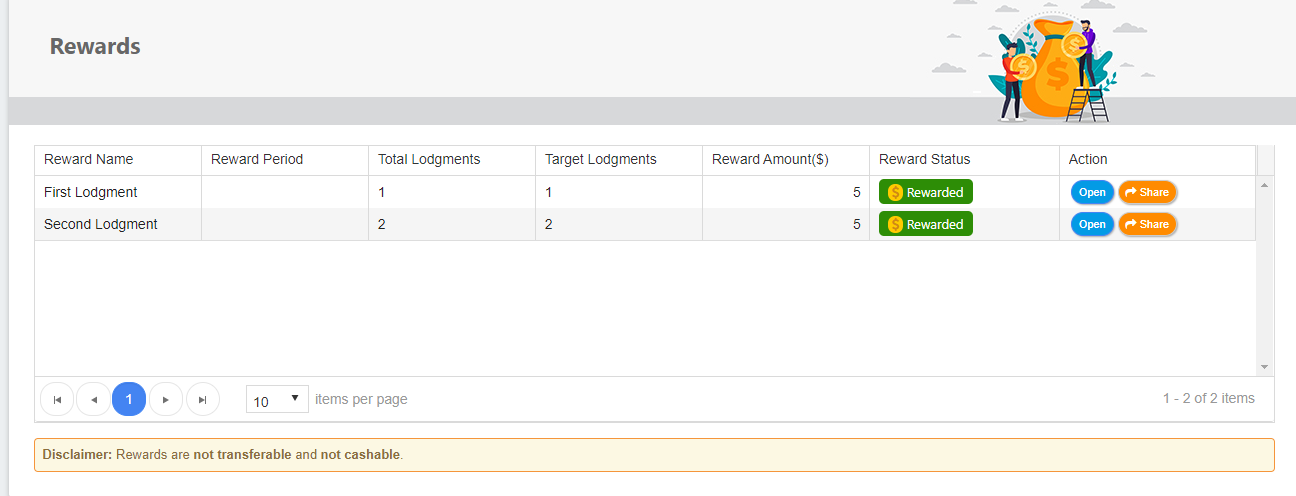
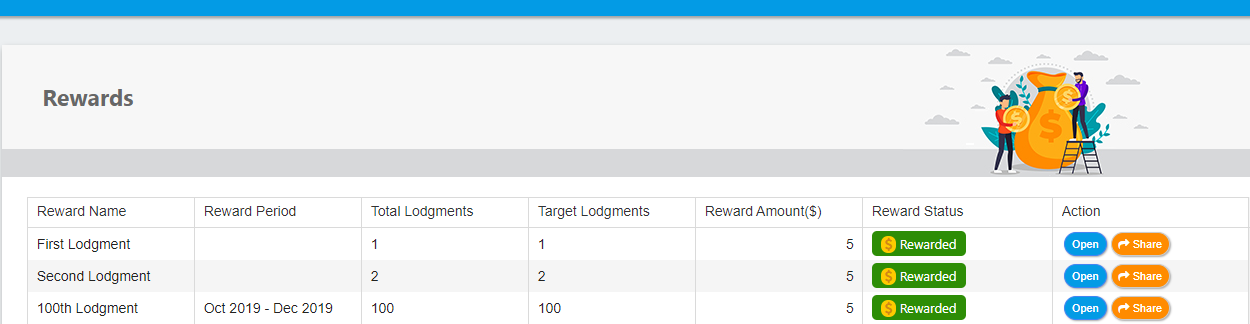
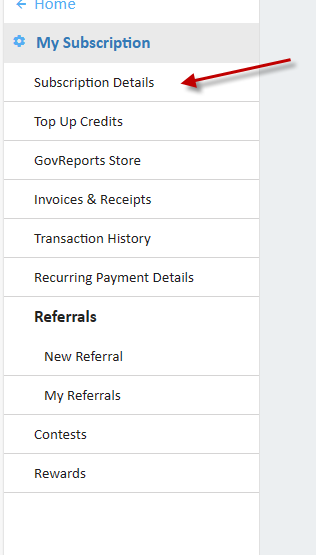
You can see your “Rewards” and status under Settings -> My Subscription. The screenshot below is the Rewards menu after you share in social media.
In case, if you didn’t share the news for your second lodgment reward, it expires when the next reward arrives.
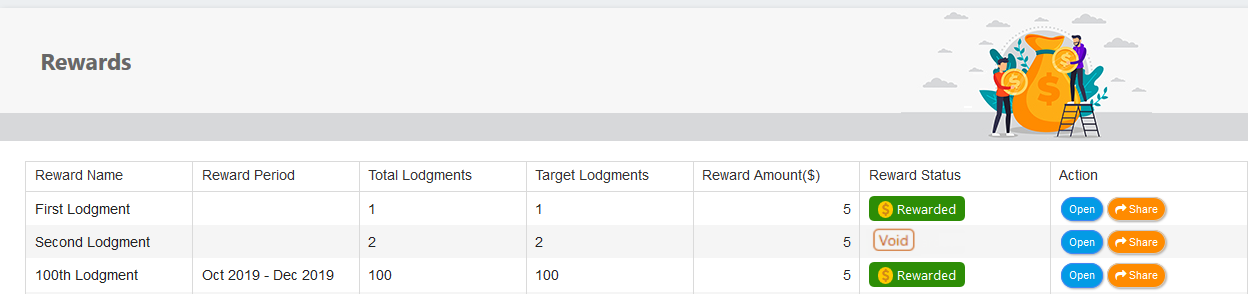
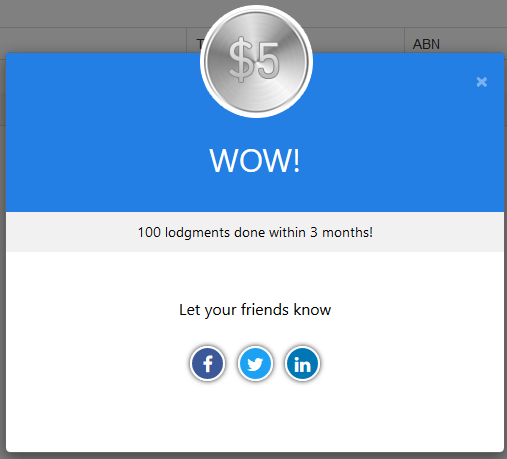
For each quarter of the Financial Year, there is a special $5 reward for the 100th lodgment you make in that particular quarter. To avail the reward, please share it in the social media and get the reward added into your credits.
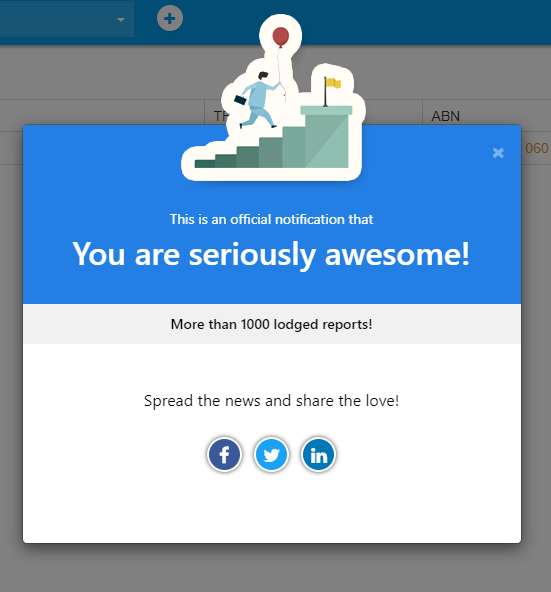
You can share your accomplishment of 1000th lodgment in Social media. The system will keep a track of your lodgment counts and notify you of the 1000th lodgment with a direct link to share in the Social Media.
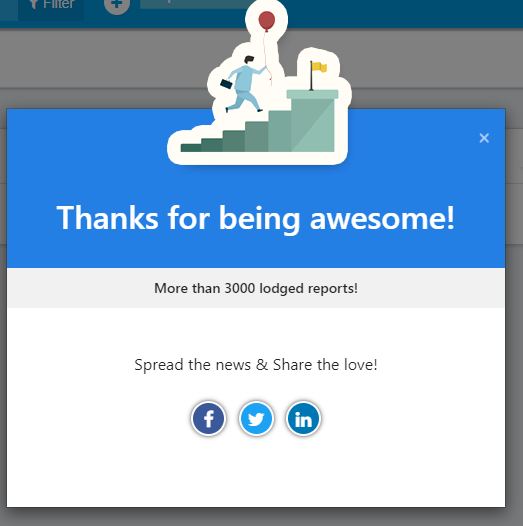
You will get a reward of $20 for your 3000th lodgment, avail this reward by spreading the news in Facebook, Twitter or LinkedIn. The reward will be in Pending status. Once shared, the reward will be added to your credits and you will see the status as “Rewarded”
Please remember to share the news as soon as you receive the reward as the reward will expire when you receive a new reward. This means that they previous reward will become voided and cannot be clubbed with the current reward.Also, the rewards are calculated based on the number of lodgments you make from your account in total irrespective of the number of businesses/ clients or authorised users in your account. In simple terms, the culminated number of lodgments are counted for these rewards.
The rewards are not cashable or transferable. We are proud of your accomplishment and thank you for making us a part of it.
My Subscription
Cancellation
We are sorry you are leaving, but here’s how to cancel your GovReports subscription and some other options you might also want to consider.
A guide to GovReports’ cancellation policy
How to cancel a paid GovReports subscription?
Cancelling a GovReports trial subscription
Cancelling a free IAM account for agents
Retrieving a cancelled account
How to change your current subscription plan
How to downgrade a subscription
A Guide to cancellation of subscription account with GovReports
GovReports allows free trial users to stop using the service at any time, and paid users to cancel their paid plans at any time, with such cancellation taking effect at the next renewal date.
If you cancel your plan before the next renewal cycle, you will retain access to paid features and services until the end of your subscription period. When your subscription expires
with cancellation request set in from the system or without renewal payment, you will lose access to paid features and services including account data and lodgement records.
We recommend for you to take copies of lodgements and any other records prior to account expiry and cancellation. After expiry and cancellation of account, if you require access to any records or lodgement data, you will need to subscribe to a GovReports paid plan with the same username to gain access within the 365 days for previously paid plan and 90 days for free trial users from
previous account expiry date. Beyond the grace period post account last expiry date, all data and lodgement records will be removed and permanently deleted and will no longer be retrievable.
Your ability to downgrade, adjust or cancel your GovReports subscription is subject to our Terms and Conditions which can be found on our website
and is the same as the terms of services on any purchases or sign ups.
How to cancel a paid GovReports subscription
An account administrator or billing owner can make billing changes including an upgrade, downgrade or cancel of subscription on the account at any time.
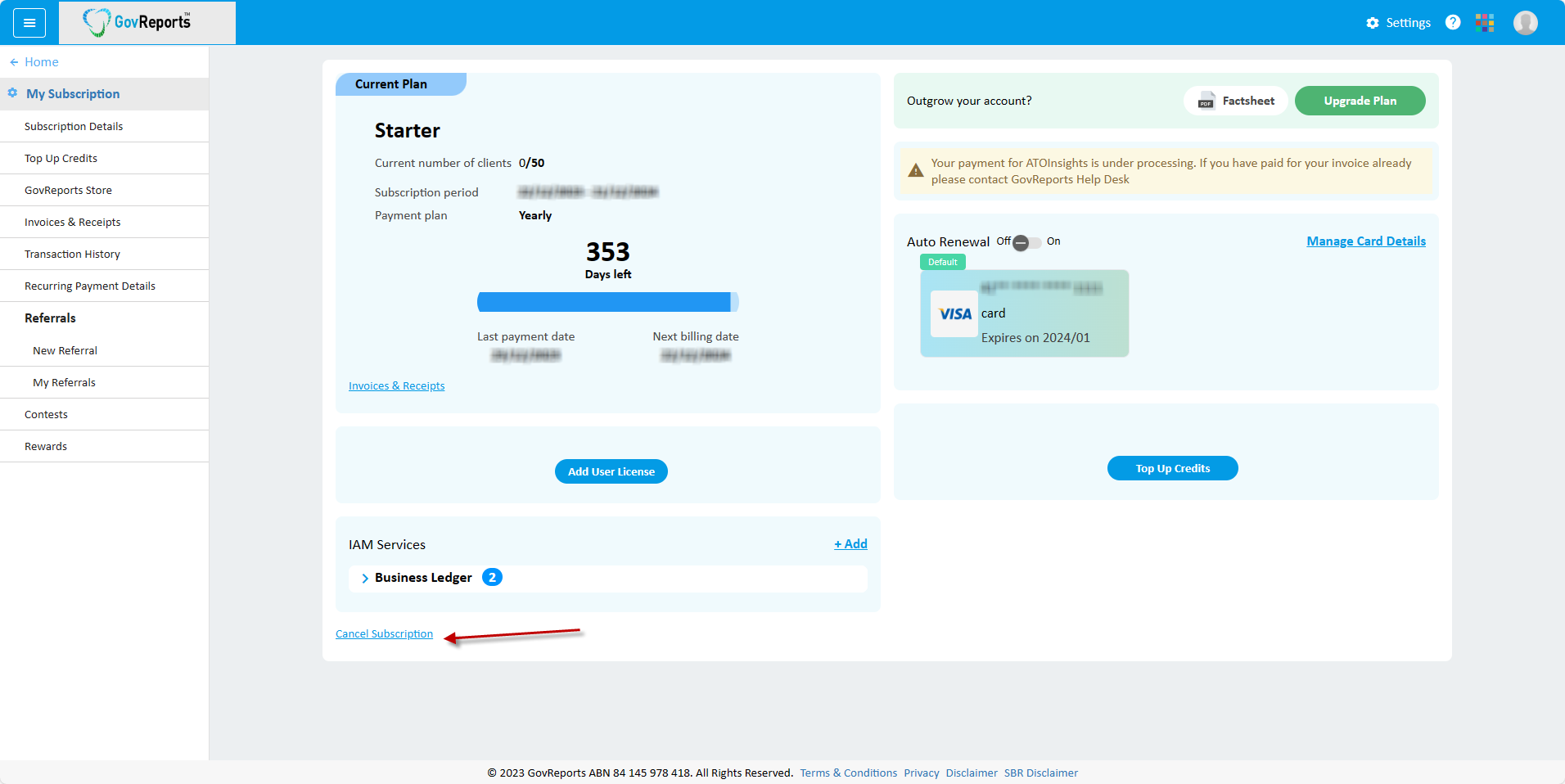
It's easy to cancel your subscription. To cancel a paid subscription plan, login to your GovReports account you wish to cancel, go to Settings select My Subscription
Subscription Details Select Cancel Subscription.
From Subscription Details, select Cancel Subscription
Cancelling a free IAM account for agents
If your clients are registered to use STP Reporting or Business ledger either paid at wholesale rate by you as a BAS or tax agent or paid at retail rate by the clients directly, you will have free access to IAM as an agent to review, manage and lodge their compliance reports during the subscription period.
If the client’s IAM account is paid by you as the agent, upon expiry and cancellation, your account will also automatically cancel. During the term of the subscription, your client cannot choose to switch to another agent on their account until after expiry or cancellation.
To cancel your subscription, from My Account, go to Settings My Subscription Subscription Details Cancel Subscription
From Subscription Details, select Cancel Subscription
If the client’s IAM account is paid by the client and you were invited to join GovReports to review, manage and lodge their compliance reports on their behalf for free, and you no longer provide compliance services to the client, you may want to request for the client to remove you as the BAS or tax agent from their subscription access which will automatically cancel your free account. Account ownership remains with billing owner and hence all data and lodgement records.
Retrieving a cancelled account
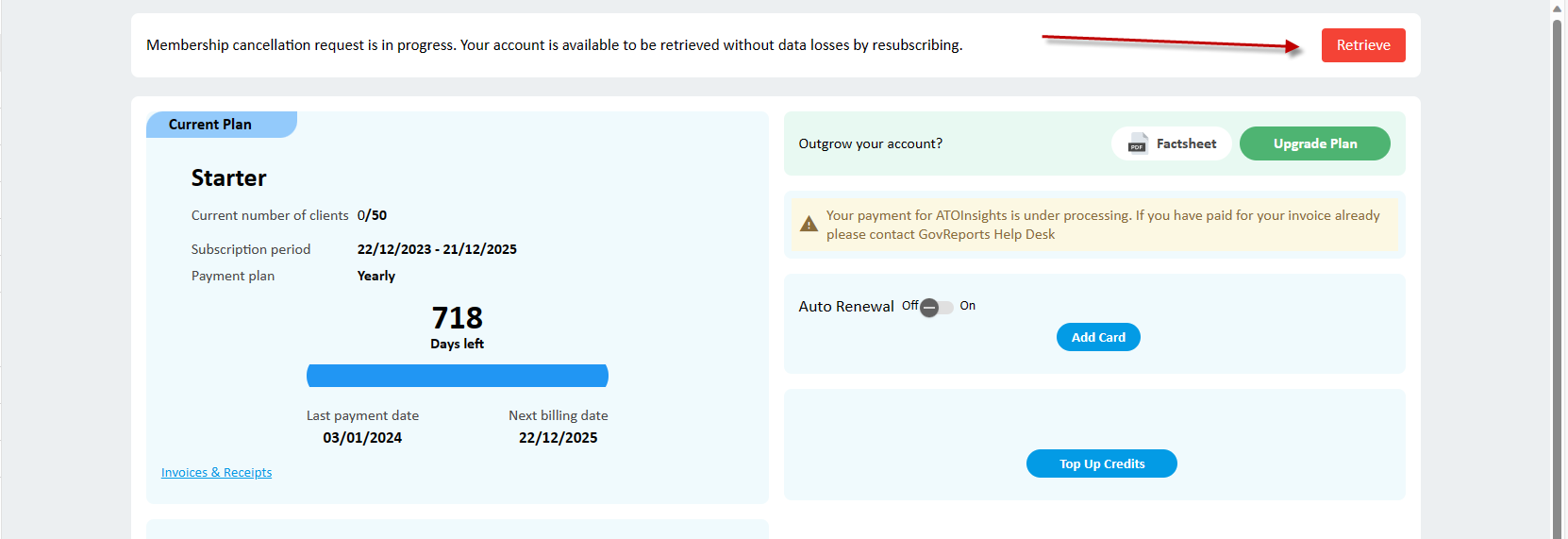
Account data and or any lodgement records of cancelled accounts can be retrieved within the allowed period of up to 365 days for paid plans and 90 days for free trial plans from the date of expiry.
To retrieve your expired account and access previously entered data and or lodgement records, or to restart your GovReports services, you will need to subscribe to a retail GovReports service plan of similar offered service
Click Retrieve, where you can get back access to all features in your account.
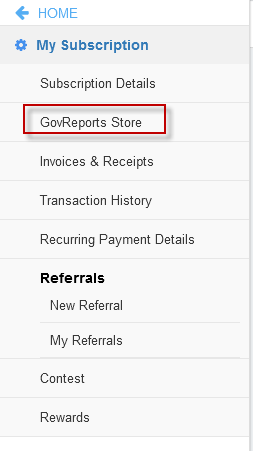
When you login after expiry, you will be redirected to My Subscription page go to GovReports Store and select the package of similar offered service and proceed to check out.
How to change your current subscription plan
If you are looking to expand your services with additional forms and or features or downgrade simply just to use a more commonly used forms such as Activity Statements and or STP, there are several options for you to consider including:
Upgrade for a more comprehensive and unlimited lodgement package - talk to a GovReports team member for your specific requirement.
Downgrade to a lesser plan or an On Demand service package - you can downgrade at any time to a lesser plan or an On Demand service package. If you choose to downgrade, the downgrade will take effect at the end of your subscription period.
If you are looking for a simple and easy to use STP Payroll solution for your clients - STP Reporting can be added to your current GovReports subscription account with client by client’s STP lodgement requirement, which can be used by client or you as their preferred agent to prepare and lodge STP directly to ATO. STP Reporting is an additional charge of $69.30 per ABN client per year with lodgements included via the agent’s account and is a standalone application.
If you are looking for an accounting package or full ledger for a client to manage their books, accounting and or payroll, then Business ledger can be added to your current GovReports account. Service package is an additional cost of $104 per year per ABN client and is a standalone application.
As a stand alone and multi tenanted application, both STP Reporting and Business ledger have a single logon set up for BAS and or Tax agents to manage, prepare and lodge compliance reports clients.
If you believe that you or your team is unsure on how to make the most out of your paid features,
take advantage of the free training that we offer to our users. Click Contact us with your request for training.
You can find more about plan options and pricing from our website or simply just get in touch with a GovReports team member, we will be happy to assist.
Without having to cancel your subscription, you have other options that can get you the power, control, and flexibility you need to prepare, manage and lodge compliance reports for and on behalf of your clients directly to ATO and more.
How to downgrade a subscription
You can at any time choose to downgrade to an On Demand service subscription with pay per lodgement fee or a free subscription with clients on STP Reporting or Business ledger.
If you choose to downgrade, the downgrade will take effect at the end of your subscription period.
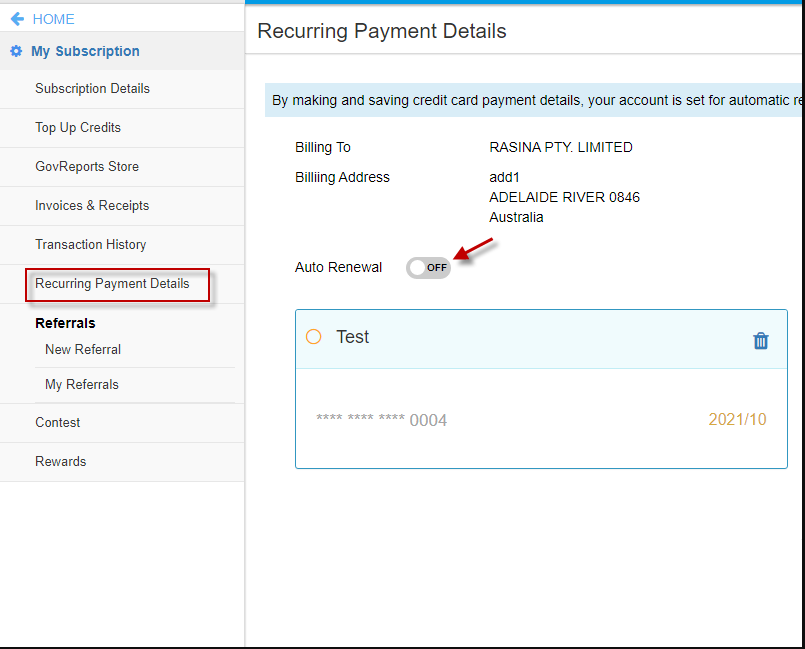
To downgrade, go to Settings My Subscription Recurring Payment Details switch off the auto renew and after the expiry of subscription, select the package you wish to subscribe and proceed to check out.
If you choose to terminate your paid or free trial subscription and switch over to a free subscription with clients to continue on with STP Reporting or Business ledger, you and or your team will lose access to all paid premium service features on GovReports including digital signatures, practice management tools, ATO forms lodgements, services and more.